Looking for Shimeji alternatives for Chrome?
Published: November 8, 2026 · Updated: November 21, 2026 · By PawPlusMe
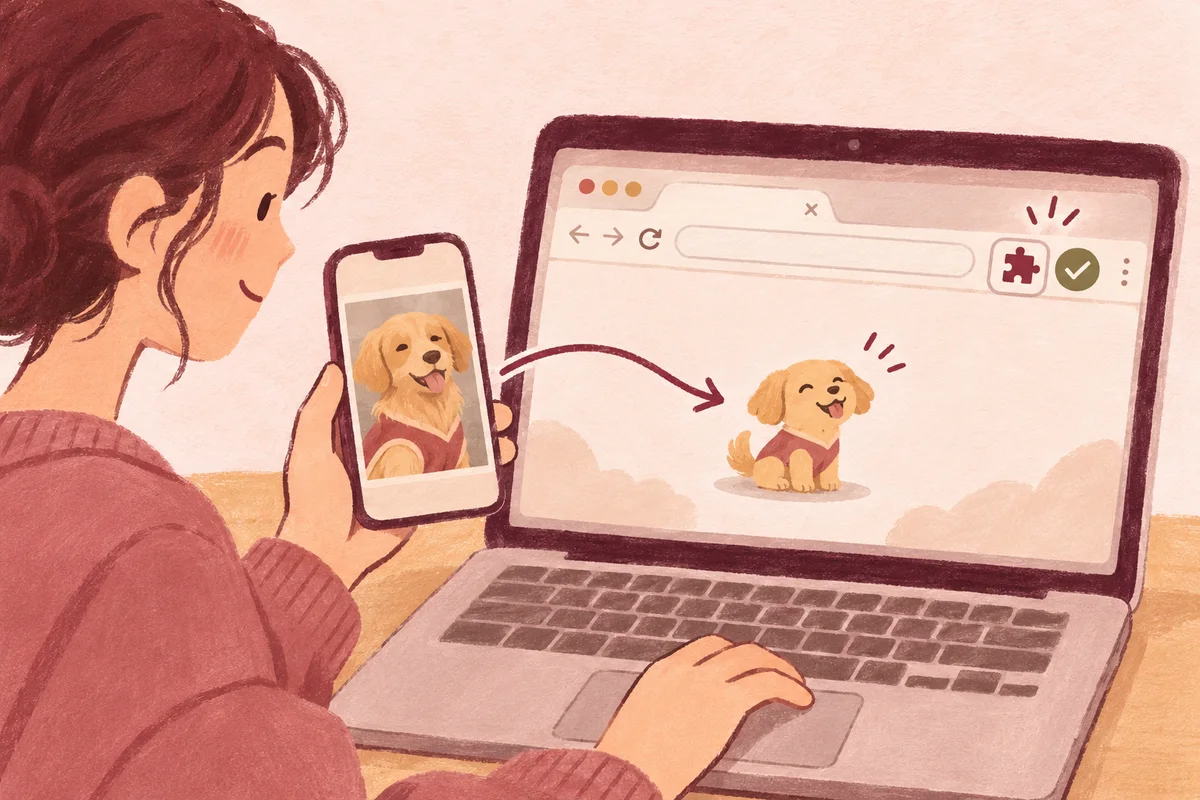
Choose PawPlusMe when you want your own dog, cat or other pet beside your webpages instead of selecting a ready-made character.
The difference in one sentence
People comparing Shimeji alternatives may want another ready-made character library or a different kind of companion. PawPlusMe takes the second path by starting with a pet photo you choose.
Shimeji is known for small community-made characters that walk, crawl and climb around webpages; PawPlusMe instead creates a realistic, photo-based 2D companion inspired by your own pet.
| Compare | Shimeji | PawPlusMe |
|---|---|---|
| Character source | Characters made and shared by artists and the community. | A new companion generated from a pet photo you have permission to use. |
| Visual direction | Character artwork and behaviors vary by character. | A realistic, photo-based 2D pet with transparent animation assets. |
| Everyday interaction | Characters can walk, crawl, climb and be dragged on supported pages. | Your pet can watch or follow the cursor, nap, peek beside inputs and use an optional break reminder. |
| Setup effort | Browse a catalog of existing packs or configure custom sprite sets. | Upload one clear pet photo, preview the finished animations and collect into Chrome. |
| Focus & quiet modes | Focused on continuous playful movement on the page. | Includes one-click nap, pause motion, hide toggle and a 25-minute focus timer that steps away while you work. |
| Input privacy | Varies by extension implementation. | Input-box peeking uses only focus and box position—never reads typed text or password fields. |
| Where it appears | Chrome webpages supported by the Shimeji extension. | Supported ordinary Chrome webpages; it is not system-wide. |
Shimeji details above are based on the official Shimeji website. Features can change, so check its current listing before choosing.
How to pick between browser character packs, desktop 3D companions and PawPlusMe
- Pick Shimeji or similar character packs if you specifically want anime, game or pixel-art mascots climbing page edges and multiplying across the screen.
- Pick a native desktop companion (such as a standalone Windows/macOS app) if you want a 3D avatar floating over games, video calls or native desktop apps outside Chrome.
- Pick PawPlusMe if you spend most of your day in Chrome and want a calmer, realistic 2D version of your own real-life pet watching your cursor, peeking while you write and nudging you to take a break.
What PawPlusMe does not replace
PawPlusMe does not import Shimeji character packs, preserve a Shimeji character’s original actions or provide an anime-character library. It is for someone who would rather see a familiar real pet than select an existing fictional character.
PawPlusMe is not affiliated with Shimeji. Shimeji names and characters belong to their respective owners and creators; this comparison only explains the different product choices.
When is PawPlusMe the better fit?
- You want a browser companion based on your own pet photo.
- You prefer realistic 2D pet imagery to a pixel-art or fictional-character pack.
- You want cursor watching, following, naps, input-box peeking and an optional focus reminder.
- You are comfortable with a companion that stays inside supported Chrome webpages.
Common questions when switching from Shimeji
Can I keep more than one custom pet in Chrome?
Yes. Each custom pet you create or receive as a gift is saved in your local Chrome-profile library, and you can switch which companion is active anytime without re-downloading.
Will my pet multiply or cover up the text I am reading?
No. PawPlusMe shows one selected companion at a time and keeps its resting behavior calm. You can put it into nap mode, pause motion, resize it or hide it for the rest of the day in one click.
Can I try the movement style before creating my own pet?
Yes. The free homepage playground lets you test cursor following, input-box peeking, naps and the 25-minute break reminder directly in your browser before installing anything.
Try the free browser pet example first. If the interaction feels right, review how custom pet creation works and current pricing and availability.